
Searching Cases by Name
Enter a first and last name, or a business name, into the Colorado Judicial Branch Docket Search. The tool covers hearing settings only. It does not pull every document from a Morgan County case record. Pick Morgan County next. Set a date or date range, and add the name filter; the interface demands at least one filter beyond the date.
- Confirm that the caption names Morgan County District Court or Morgan County Court.
- Open the official search with Morgan County selected.
- Choose Individual or Business and enter the matching fields.
- Add a narrow date window and, if known, the court type or division.
- Compare the full case number and hearing type before relying on a result.
You can also search by attorney name or Colorado bar number. One displayed name may not be the full case caption, so check before assuming. Suppressed or private contexts can display differently.
| Field | Type | Use |
|---|---|---|
| First and last name | Text | Individual party search |
| Business name | Text | Entity party search |
| Attorney name | Text | Counsel search |
| Attorney bar number | Text | Exact Colorado lawyer identifier |
| Date range | Date control | Required search window |
Morgan County Case Search Preset
Morgan County sits at county 44 in the official docket URL. The preset spares you a statewide flood of results. It will not pick the case class, party, or date for you. Add enough detail to land on the right setting. Results paginate in groups of 20. A high total means you should narrow the search.
The portal offers English and Spanish routes. Printable Version and Export Results help you keep a working list. Neither one creates a certified record, and neither guarantees the schedule stays as shown.
The official Judicial Branch explanation of dockets, ROAs, and copies lays out the pieces. It explains why each search layer answers a different need.
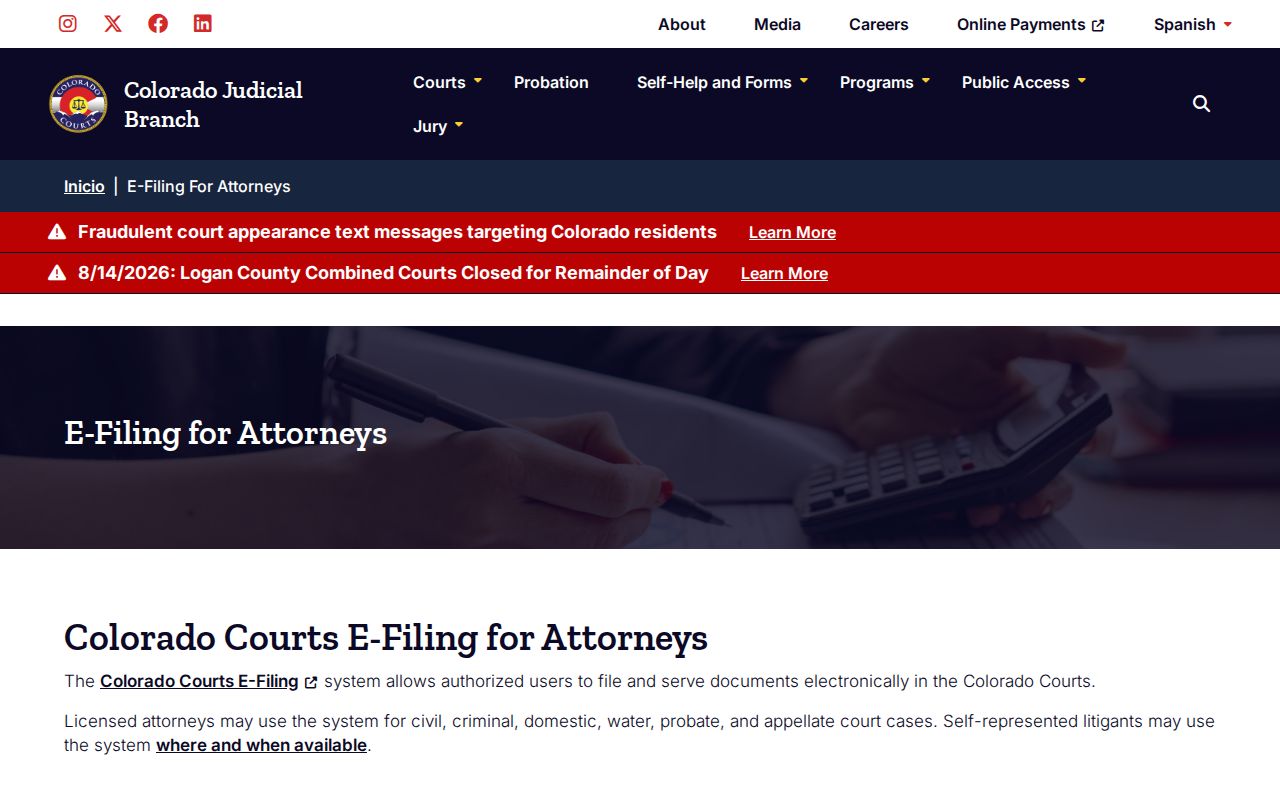
A hearing result is not the filed case document, and it is not a clerk-certified copy.
Searching by Case Number
A Colorado state trial case number has three parts. It pairs a four-digit year with a case class and a sequence. The Morgan search splits those into separate fields. A felony may look like 2026CR###. Misdemeanor and traffic matters may run as 2026M### or 2026T###. District civil, domestic, probate, juvenile, and county civil results may use CV, DR, PR, JD, or C.
Type the class exactly as printed on the notice. Guessing a class from the subject alone invites errors. A city citation number may follow a municipal scheme and never appear in the state search. If the number is unclear, give the issuing agency and the full citation to the named municipal clerk.
- CR
- Felony criminal class observed on the Morgan calendar.
- M
- County Court misdemeanor class.
- T
- State traffic class in Morgan County Court.
- CV
- District civil class.
- DR
- Domestic-relations class.
- PR
- Probate class.
Morgan County Case Search Filters
The official portal refuses to run on a date alone. It wants at least one more filter. That rule cuts unrelated entries and sharpens the list. Location matters here. The 13th Judicial District covers seven counties. Judges and divisions can serve across the district.
A case number gives the tightest match. With a name, pair it to Morgan County and a short date range. An attorney filter helps when counsel is known. Court Type, Courthouse, and Division controls can narrow further, though their live option lists should govern rather than guessed labels.
Remember: a blank result may point to the wrong date, class, spelling, security level, or municipal venue, not to a case that never existed.
Morgan County Case Search Pages
The Morgan results list shows 20 entries per page. It also reports a total. That total counts returned calendar settings under your filters. It does not count cases filed in a year. A broad party-name search can bury the right setting pages deep. It can drag in unrelated matters too.
When the list runs long, tighten the date and add the case class or sequence. Printable Version and Export Results earn their keep only after the result set is narrow. Keep the full case number beside any saved row.
What a Case Search Returns
A Morgan County case search result is a calendar entry, nothing more. It can confirm that a named case number has a listed hearing. Read every returned field before calling it the right matter.
| Hearing date and time | The scheduled start shown by the public calendar. |
|---|---|
| Duration | The period reserved, not a promised end time. |
| Name | One displayed party or caption component. |
| Case number | The year, class, and sequence for the file. |
| Hearing type | The stage set for court action. |
| Location | Morgan County on the local filter. |
| Appearance | May state IN PERSON or remain blank. |
| Courtroom | The assigned room letter or number. |
No result shows a full charge list, cause, attorney list, filing history, financial balance, disposition narrative, or PDF pleadings. For those, the Morgan clerk supplies filed records through the request process.
Morgan County Case Search vs ROA
The free Branch search answers a calendar question. A Register of Action answers a chronology question. The ROA is a brief case explanation that can include charges, sentences, and minute orders. The Branch names commercial real-time court-record vendors, commonly CoCourts, while the clerk's official request form includes a specific ROA checkbox.
| Channel | Best For | Limit |
|---|---|---|
| Branch Docket Search | Free hearing lookup | No filing images |
| CoCourts | Commercial real-time ROA | Terms apply; not certified copies |
| Morgan clerk | ROA and filed documents | Request and fees may apply |
| CCE | Supported users filing in their own cases | Not a universal public viewer |
Need a full filing or judgment? Move from search to the Morgan County court records request path. A vendor printout cannot become a certified order just because it is current.
Morgan County Case Search or CCE
Colorado Courts E-Filing, or CCE, is the state's filing and service system. It is not the free public docket search. Public users face limits. They may enter only in supported roles and case types. Current self-represented access covers a user's own domestic-relations and eviction matters after registration and opt-in.
The CCE portal shows this separate account-based filing route.
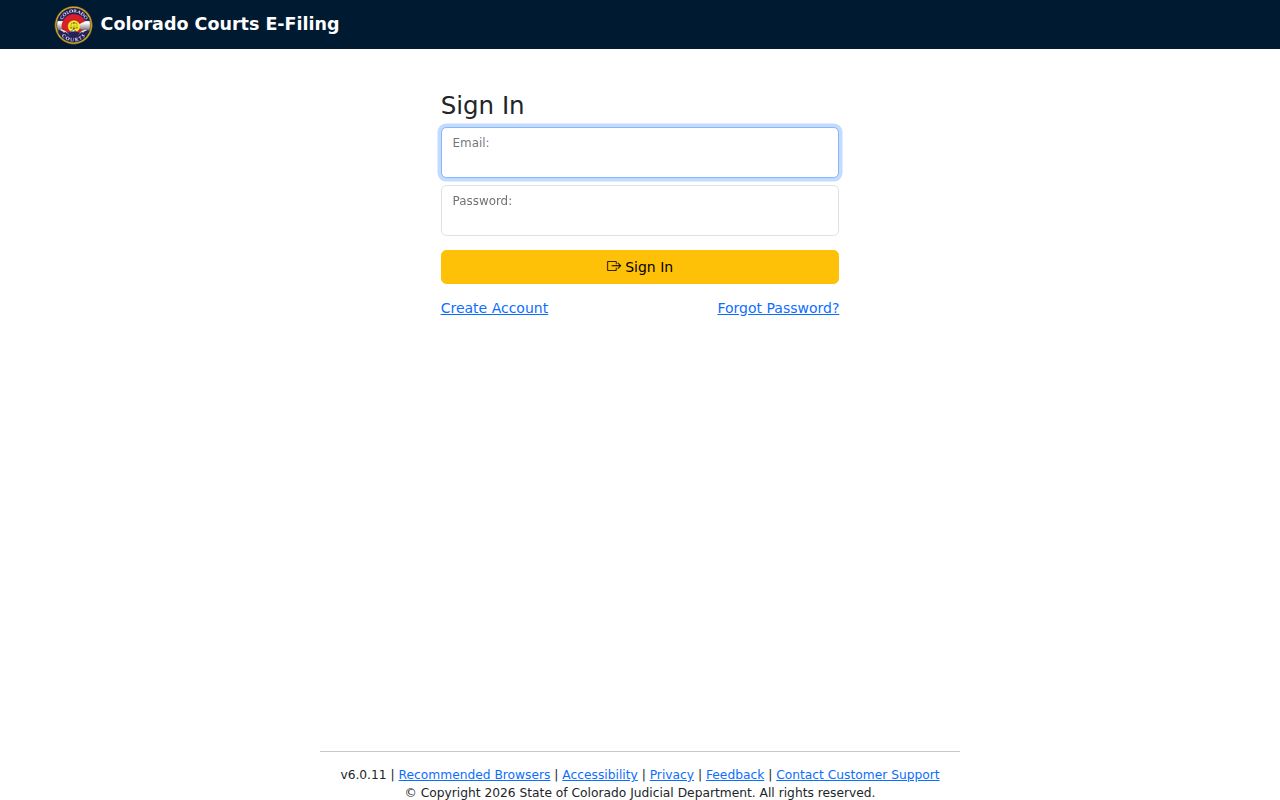
That portal marks a filing system, not a way to browse other people's Morgan County documents.
Morgan County Case Search Fallback
Sometimes the Morgan County docket calendar just cannot answer your question. That is when the clerk becomes the official fallback. Need the full chronology? Ask the Morgan clerk for a Register of Action. Or name the exact pleading, order, judgment, ticket, or probate item you are after. The statewide form takes online requests. Phone, email, mail, counter service, and possible facility inspection round out the channels.
Be ready with photo identification if the record category or security level calls for it. Older court files may sit off site. Retrieving them can carry a real cost. Check those limits with the office rather than guessing from an empty docket search result.
Statewide vs County Case Search
Colorado's free docket search covers the whole state. But you can preset it to Morgan County. Because the state Judicial Branch also runs the Morgan Combined Court clerk, the local fallback is a court office rather than an elected county district clerk. Need a hearing date? Use the statewide interface with Morgan selected. For the ROA or an actual document, contact Morgan Combined Court directly.
| Question | State Search | Morgan Clerk |
|---|---|---|
| When is the hearing? | Free docket result | Can confirm an unclear setting |
| What happened over time? | Not in the free calendar | Request the ROA |
| Can I get the order? | No document images | Request plain or certified copy |
| What about a city ticket? | May not appear | Use the municipal court named on it |
Reach the clerk at MorganClerksOffice@judicial.state.co.us, 970-542-5200 x4, or 400 Warner Street in Fort Morgan. When online case lookup falls short, counter visits, phone calls, email, mail, and the statewide request form all work.
Morgan County Case Search Gaps
The ticket may actually belong to a municipal court. That includes Fort Morgan, Brush, Wiggins, Log Lane Village, and Hillrose. Morgan County has no single countywide portal for municipal citations. Read the issuing agency, the court name, and the appearance instructions on the ticket itself. A Morgan County Court docket search has a blind spot. It will not reliably surface a city-code case held by a municipal clerk.
If a city case does not appear, stop toggling state filters at random. Call the court printed on the citation. Log Lane publishes court dates plus phone, mail, and in-person payment routes. Wiggins posts its municipal fine and appearance rules. Fort Morgan lists its municipal court clerk and charges. Brush and Hillrose cases should be confirmed through those towns' official local contacts.
Morgan County Case Search Security
Public, Protected, Restricted, Suppressed, and Sealed are five distinct access classes in the court record system. Protected material can have a public version once the required redaction is made. Restricted records go only to defined users. Suppressed and sealed records face tighter controls still. A row may go missing from the search results. When that happens, the interface will not tell you which label applies.
So check your court layer and search terms first. If the matter should exist but does not appear, contact the filing court. Only the governing rule and a court order can establish a record's true access status.
Access and Restricted Cases
Access to Colorado court records runs under Chief Justice Directive 05-01. That directive sets the classes. The system recognizes five security levels: Public, Protected, Restricted, Suppressed, and Sealed. Protected material may become public after redaction. Restricted, suppressed, and sealed material has narrower authorized audiences, and juvenile access is also controlled by specific law.
No result is not proof of no case. Check spelling, year, class, Morgan location, date range, security level, and municipal venue before drawing a conclusion.
Authorized users may need to contact the clerk and show government photo identification for suppressed, juvenile, probate, or protected information. Access ultimately turns on a court order and the governing rule. Search pages do not decide whether a record is sealed.